
Citewrite
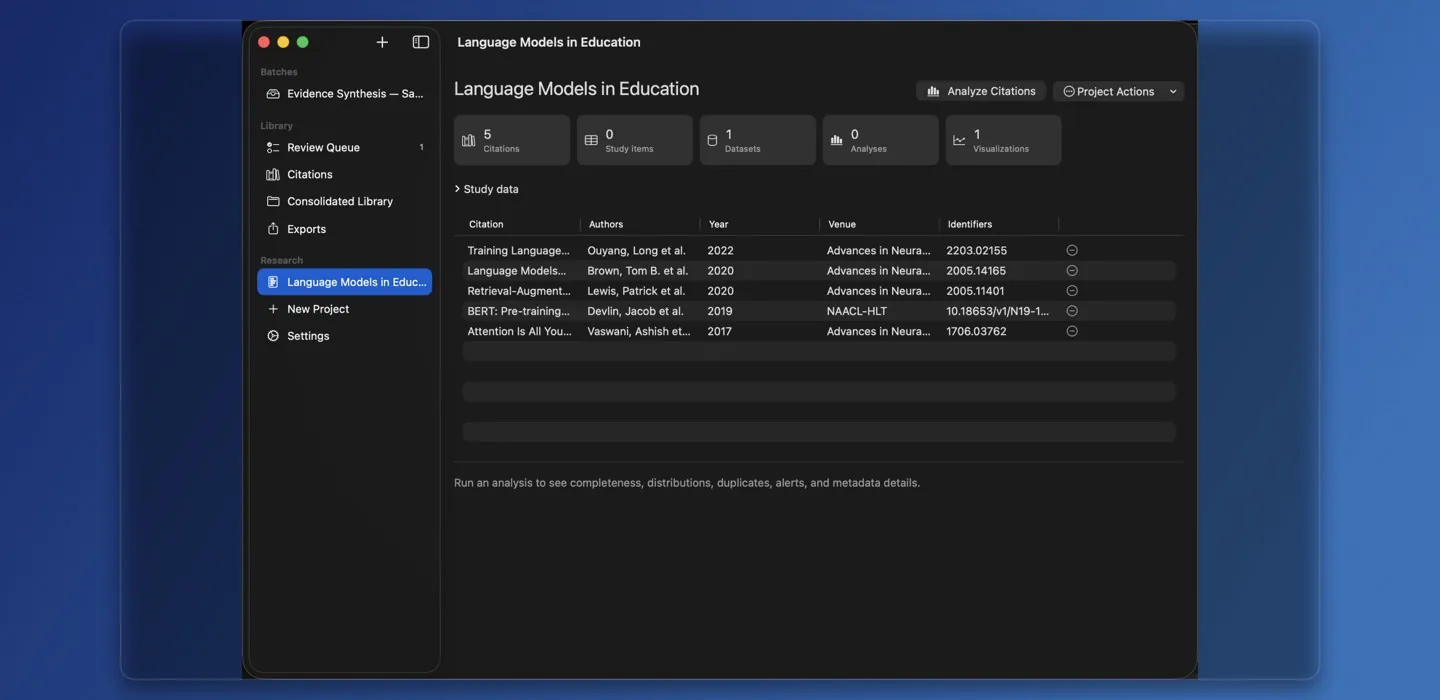
Point Citewrite at folders of papers, build a verified citation library, and explore the research you already have — privately on your Mac.
Version 1.0.3, August 10, 2026.
Universal app for Apple silicon and Intel Macs running macOS 14 or later.
Free, with no account. Reading titles with Apple Intelligence needs macOS 26 or later on a Mac that supports it.
What it does
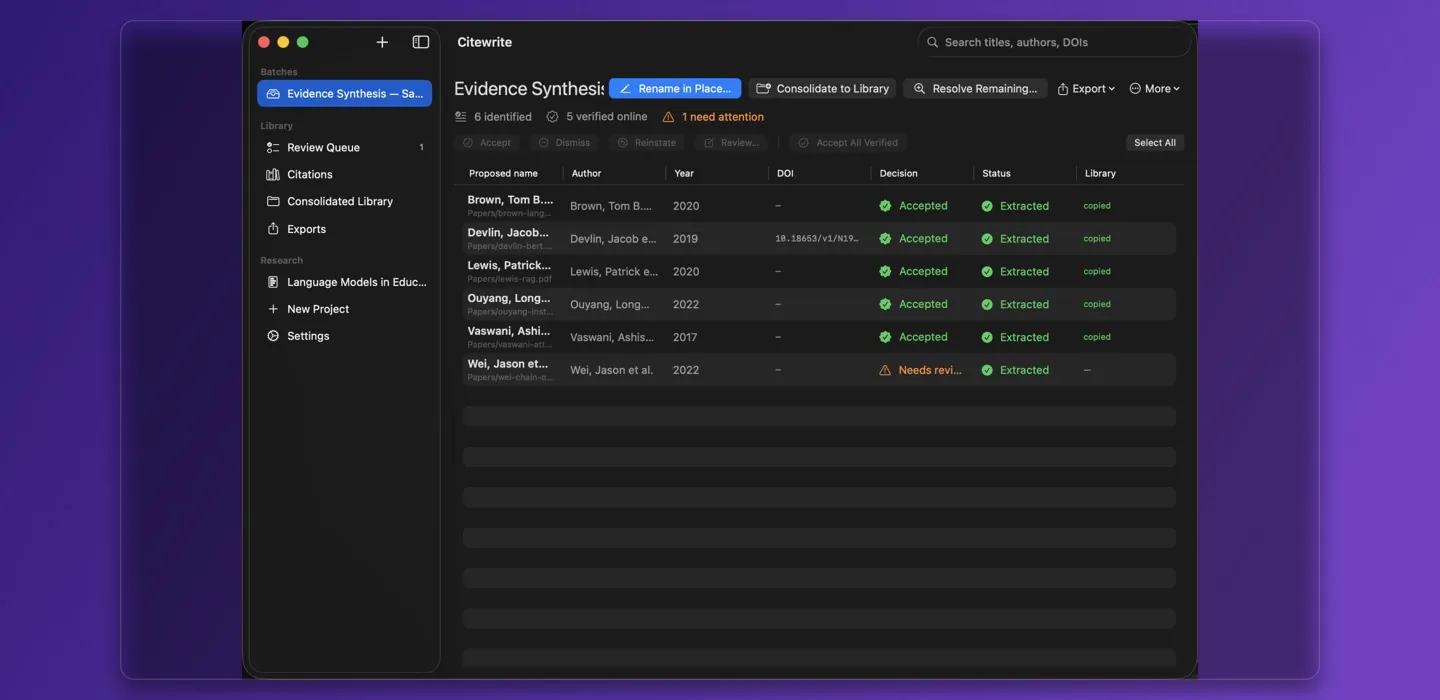
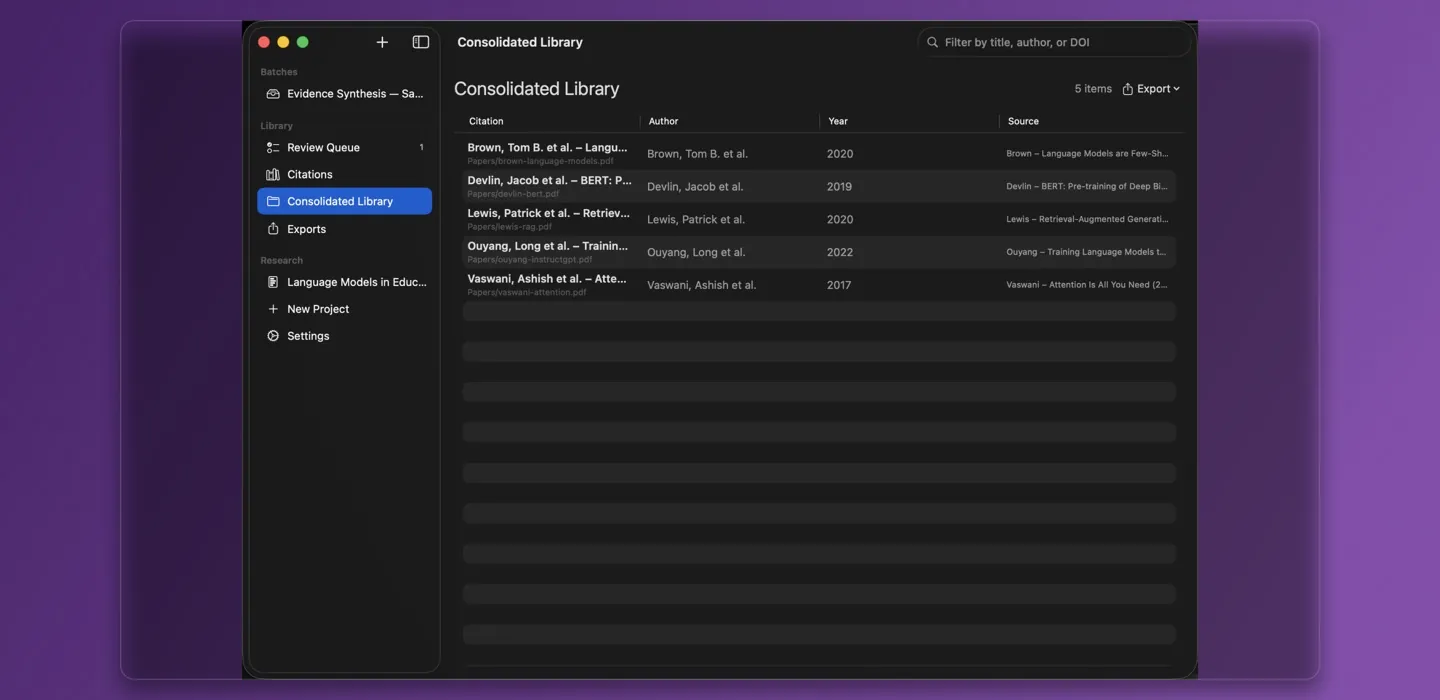
- Reads what’s there. PDFs, scans, images, Word, OpenDocument, RTF, HTML and plain text, each fingerprinted with SHA-256 so duplicates group together.
- Finds the citation. It picks out DOI, arXiv, PMID, ISBN and ORCID identifiers and reads scanned pages with Vision OCR. With online lookups on, it checks them against Crossref, arXiv, PubMed, Open Library and Semantic Scholar.
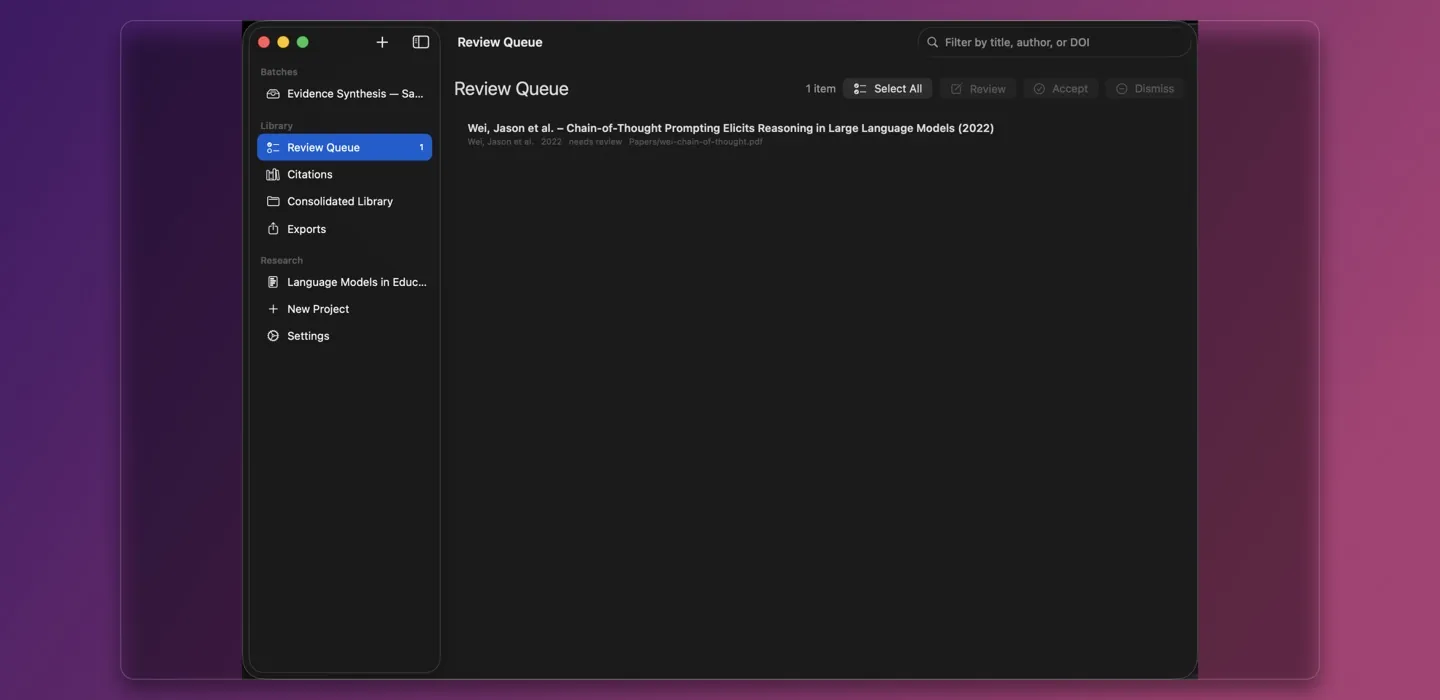
- Waits for you. Accept or dismiss papers one at a time or in bulk, and keep the best copy of a duplicate. Nothing you haven’t accepted is renamed, copied or exported.
- Renames or copies. Rename files where they sit, with Undo Last Rename, or leave the originals alone and copy them into a separate library. Export it as BibTeX, RIS, CSL-JSON or CSV.
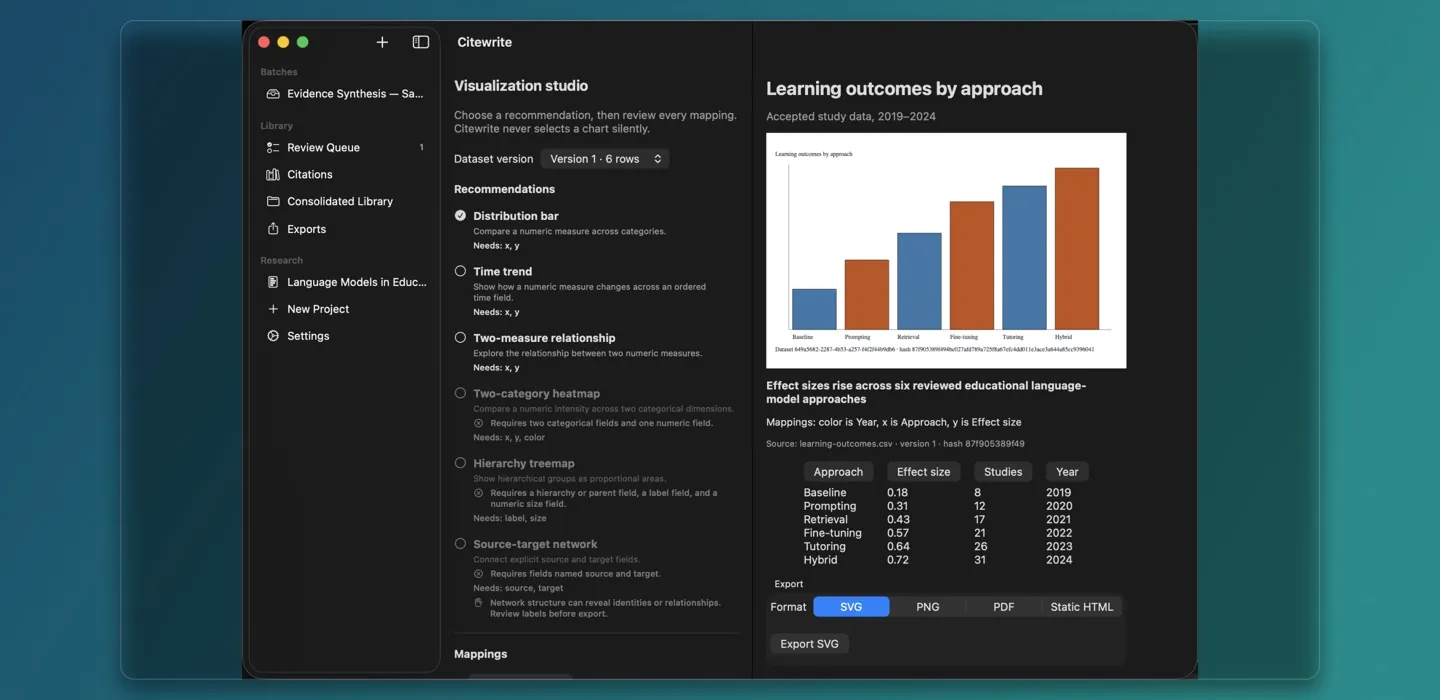
- Charts the research. Import CSV or JSON data, profile and compare it, and plot it as bar, line, scatter, heatmap, treemap or network views. Save charts as SVG, PNG, PDF or HTML.
What leaves the Mac
Reading, OCR, fingerprinting, renaming and data analysis happen on the Mac. Citewrite is sandboxed, so it sees only the folders you choose; it doesn’t need Full Disk Access.
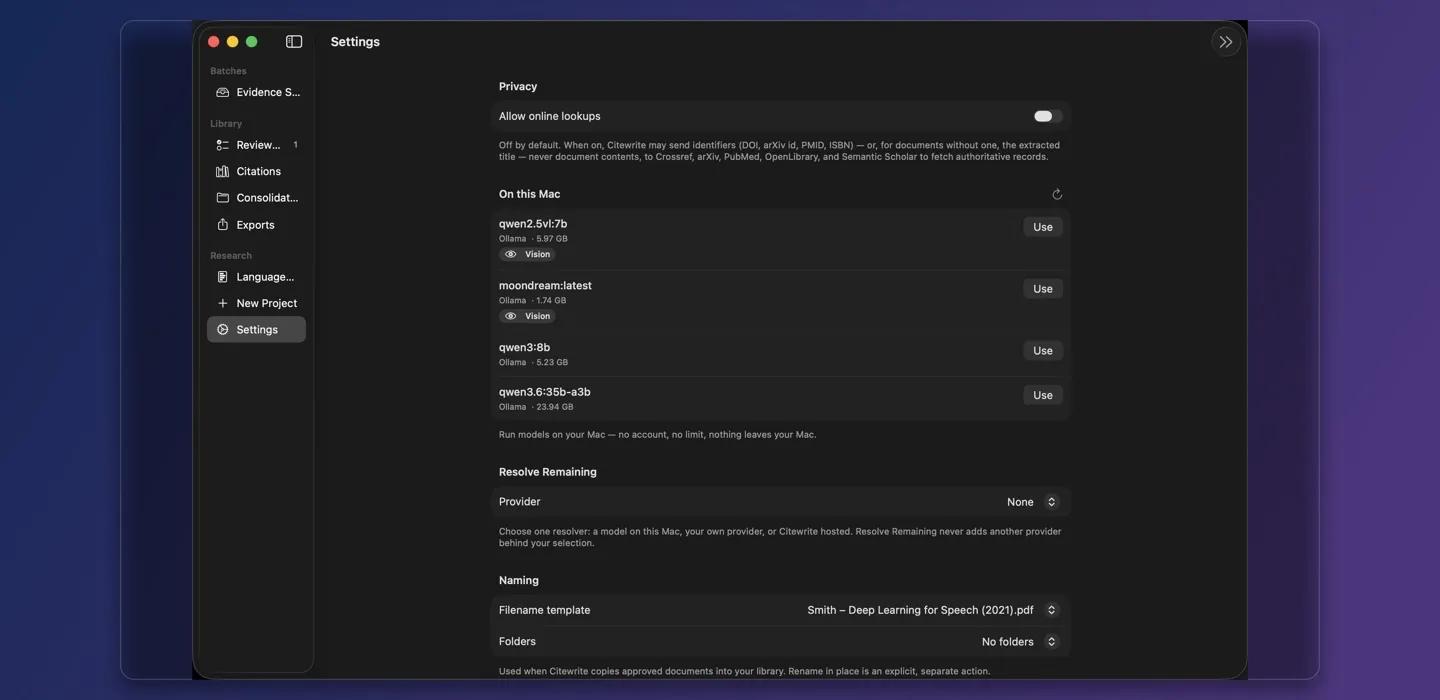
Online lookups stay off until you turn them on. Then the catalogs get an identifier, or a title when there isn’t one, never the document’s text.
For papers nothing else can identify, Resolve Remaining uses the one model you pick: a local server such as Ollama or LM Studio, which stays on the Mac, your own provider and key, or Citewrite hosted. A remote model gets nothing until you turn on online lookups and confirm the batch. Then it gets the file name, the metadata found so far and a capped excerpt of the text. Without a key, the hosted option also sends a random ID for this install to count the free daily quota. The privacy policy names its providers and explains how to delete everything.