Times New Roman (Current)
For most people technology makes things easier, for others it makes things possible.
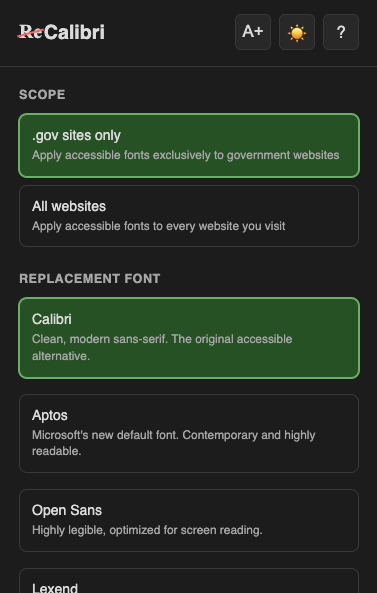
Select a font below to compare
For most people technology makes things easier, for others it makes things possible.
Calibri · Aptos · Open Sans · Lexend · Atkinson Hyperlegible · OpenDyslexic
Desktop Required
Browser extensions can only be installed on desktop browsers. Save this link to install on your computer later.
Or bookmark this page for later
Installation
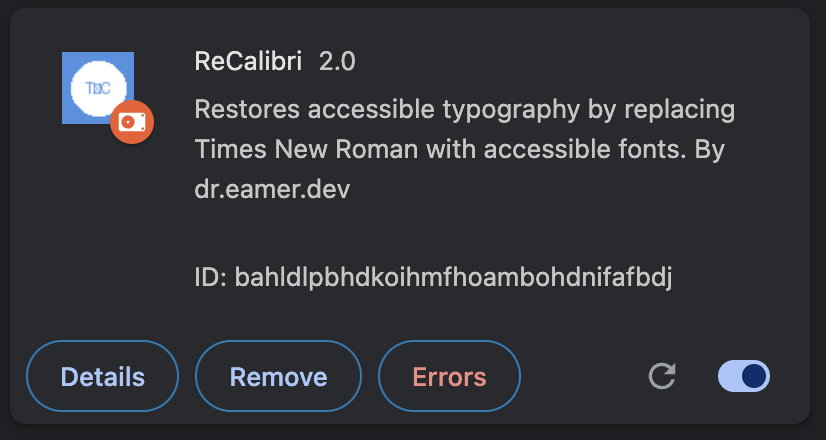
Open Extensions
Navigate to chrome://extensions/ in your browser

Enable Developer Mode
Toggle the switch in the top right corner

Load Extension
Unzip the file, click "Load unpacked" and select the folder