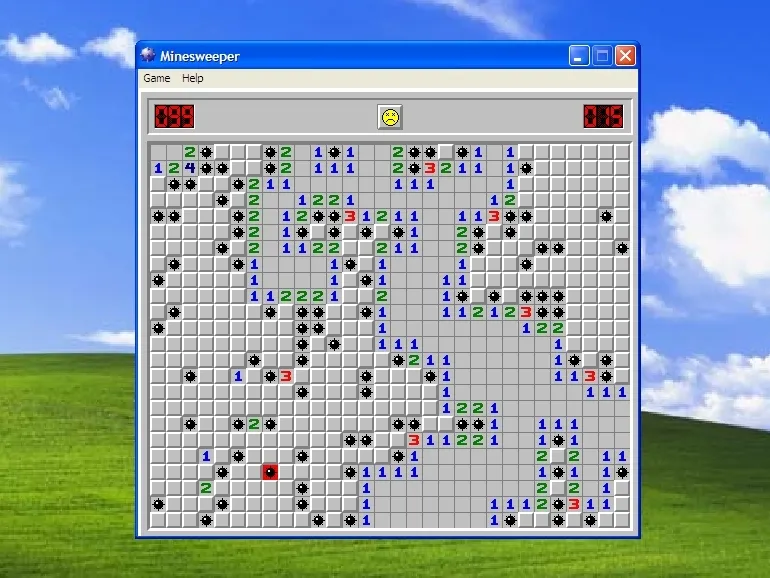
Hexsweeper on a closed sphere — hex faces, six neighbors (classic Minesweeper used eight on a square grid).
Clear a face; place a flag where you think a mine is. Your first clear is always safe.
Clear every safe face. Numbers count mines among the six touching neighbors. Flags mark where you think a mine is.
Once a number has as many flags around it as it says, double-tap the number to clear its remaining neighbors in one go. It goes by your flags, not by the board — if one is in the wrong place, that shortcut finds the mine.
Undo, New sphere and Flag mode sit at the bottom left — the flag turns red while armed. Everything else is on this sheet — Themes, Board (size and your best times) and Settings (drag inversion, effects) are the tabs above; each theme brings its own depth, seams and marks. Progress autosaves; New sphere and a size change start over.
T theme · S/M/L size · F flag · N counts · R reset · ? help
Riding on the original — history of Minesweeper
Shortcuts work whether this sheet is open or closed — the only exception is while you are typing in a field. XS and XL boards have no shortcut; pick them from the Board tab.
This tab appears wherever a keyboard plausibly does, so a tablet with one attached gets it too.
Minesweeper on a sphere. Six neighbors per face — numbers count up to six.
Clear every safe face. Undo, New sphere and Flag live at the bottom; themes, sizes and everything else are behind ?.